Define the fleet you actually have
Organize equipment and vehicles into resource groups and individual units. Connect eligible products, capacities and availability to that inventory.
Keep individual vehicles and equipment connected to their rental history, inspections and service records. Supported GPS setups add latest-position maps for tracked units out on rental.
See Fleet & GPS tracking in action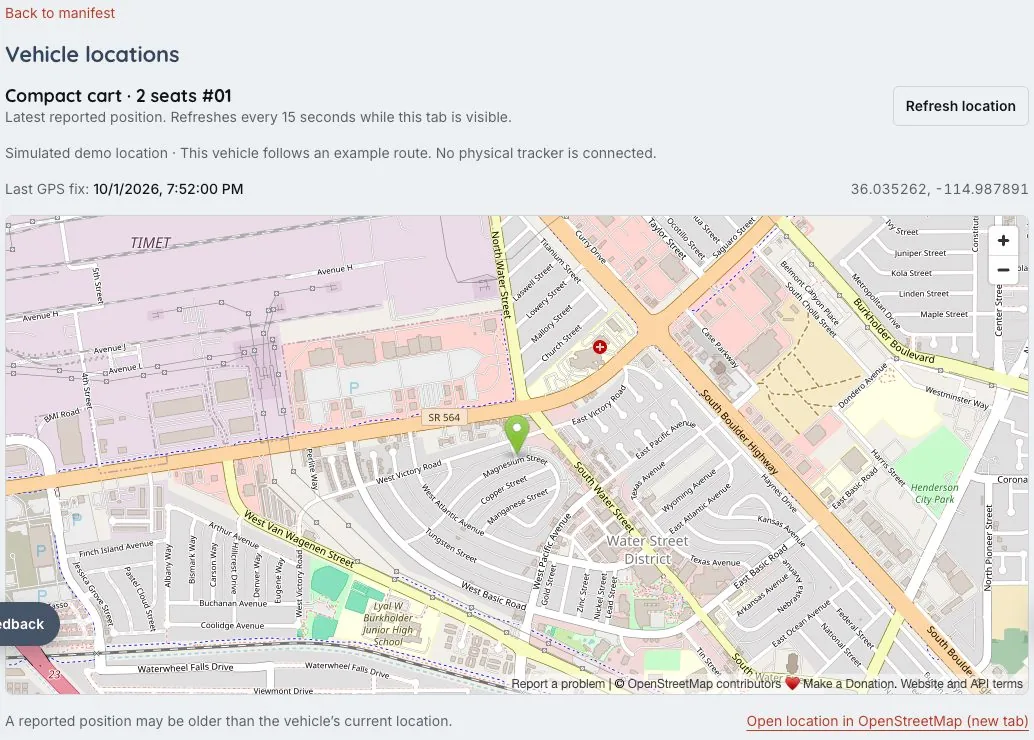
GPS maps require supported tracking hardware, service and receiver setup. The sample workspace uses clearly labeled simulated positions.
Availability is only one part of fleet management. Give each unit a useful history and keep its current rental state visible.
Organize equipment and vehicles into resource groups and individual units. Connect eligible products, capacities and availability to that inventory.
Record checkout and return inspections, condition photos and service history. Staff can see which unit belongs to the rental and what needs attention.
Assign supported GPS hardware and connect the receiver service. Latest-position maps include timestamps so staff can judge how recent a location is.
A rental operation needs to connect a named unit to its assignment, condition and return.
Maintain named units, inspection photos and service records. Keep the rental assignment and readiness with the work staff are doing.
Supported GPS hardware and receiver setup can add latest-position maps. Demo simulation illustrates the view without proving a real device installation.
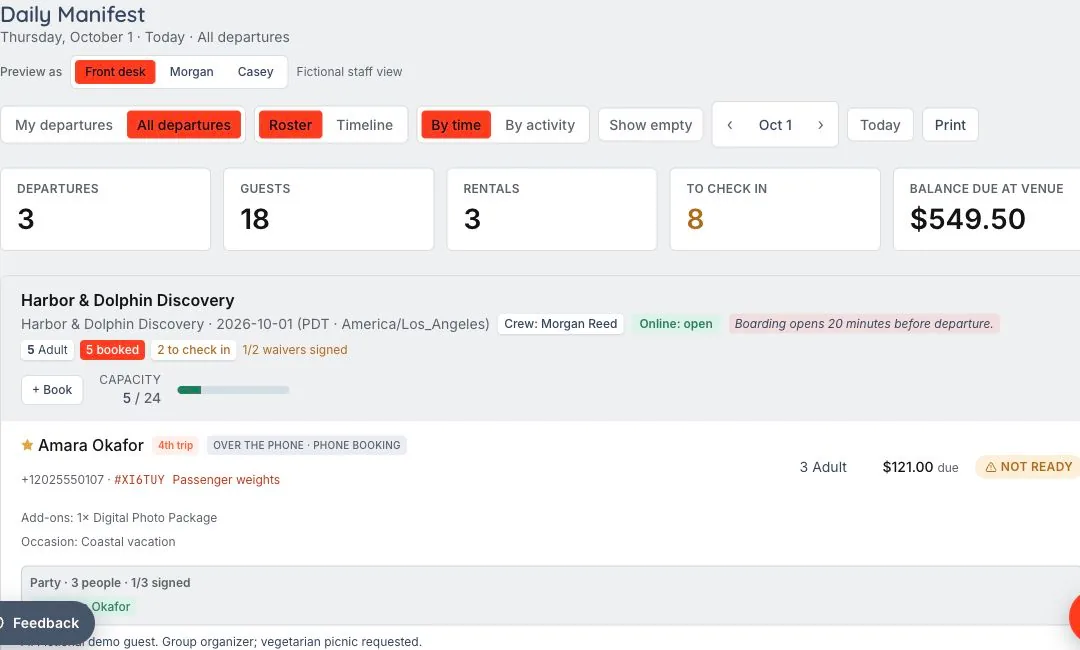
Real GPS positions require supported hardware and service setup. The demonstration workspace uses simulated positions, clearly labeled as examples.
Yes. Units, assignments, inspections and service records are useful independently of location tracking.
Supported latest-position maps include timestamps so staff can assess how recent the location is. Updates depend on the configured tracker and receiver service.
Booked is the beginning. Ready is the goal. The reservation becomes a shared plan for the desk, the guide and the guest, with requirements visible before the experience starts.
Let’s walk through what EMBRK.AI could look like for your business.