
Find the conversations that need you
Filter by channel, assignment or callback needs. AI Voice has its own view so the reservations team can find those conversations without treating every call the same.
Bring guest conversations and reservation context together so the next person on your team can pick up where the last one left off.
See Shared inbox in action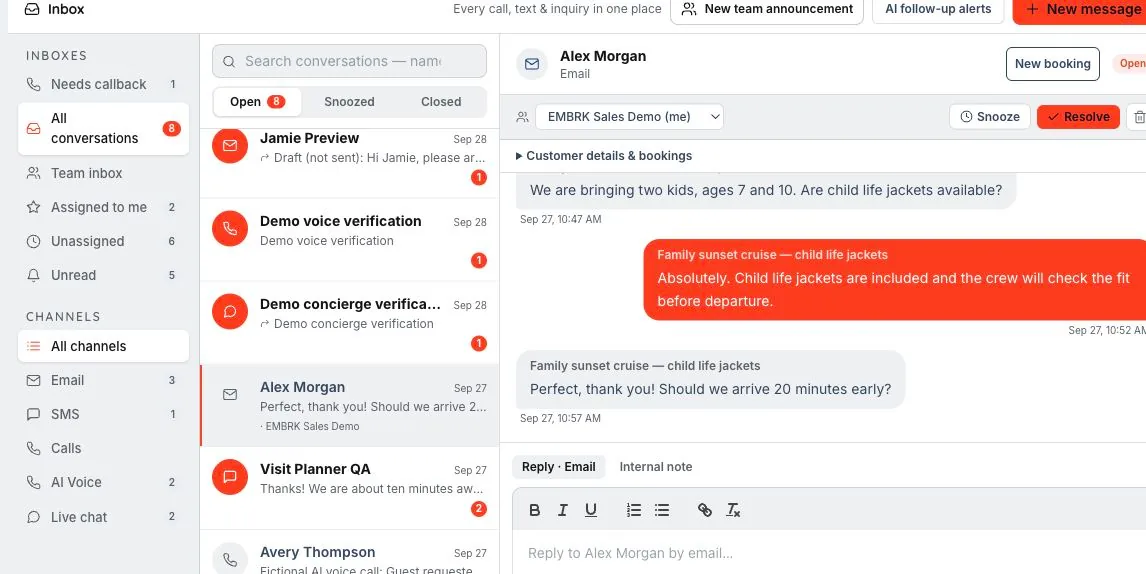
We’ll walk through the configuration, access and workflows that fit your business in your demo.
Keep guest communication close to the reservation, whether the question arrives by email, text, website chat or AI voice.
Filter by channel, assignment or callback needs. AI Voice has its own view so the reservations team can find those conversations without treating every call the same.
Start a message from a guest profile or reservation. Use configured snippets and supported attachments to share the details guests need before their experience.
Assign conversations, mention teammates and use the team inbox for internal coordination. Send supported departure notices to the relevant guests. A mention requests attention; assignment identifies who owns the conversation.
A family asks about arrival time, then another staff member takes over before the trip.
Use the thread and available customer or booking context to understand the request. Channel and assignment filters help the team find the right work.
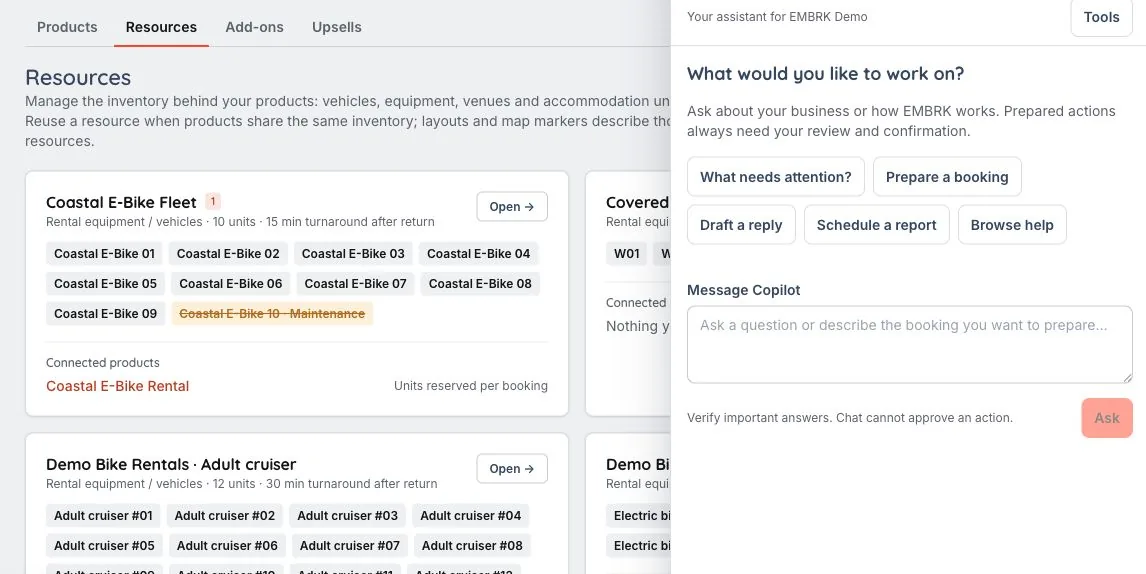
Mention a teammate internally or ask Copilot to prepare an authorized reply draft. Review the details before sending to the guest.
The inbox is available in the mobile experience, alongside bookings and daily operations, so staff can follow up away from the desk.
Yes. Channel filters and callback indicators help staff identify AI conversations that need human follow-up.
A mention asks a teammate to look at something. An assignment identifies the person responsible for the conversation; they serve different coordination needs.
The right reply. With the right person behind it. An inbox is more useful when your team can see the booking, collaborate privately and get help preparing the next step.
Let’s walk through what EMBRK.AI could look like for your business.