Bring the relevant context
Ask about the reservation or business information you can access. Review attention items without jumping between disconnected tools.
Ask for help with the reservation in front of you, prepare a booking or reply draft, and review business information through an assistant that works within your permissions.
See Staff Copilot in action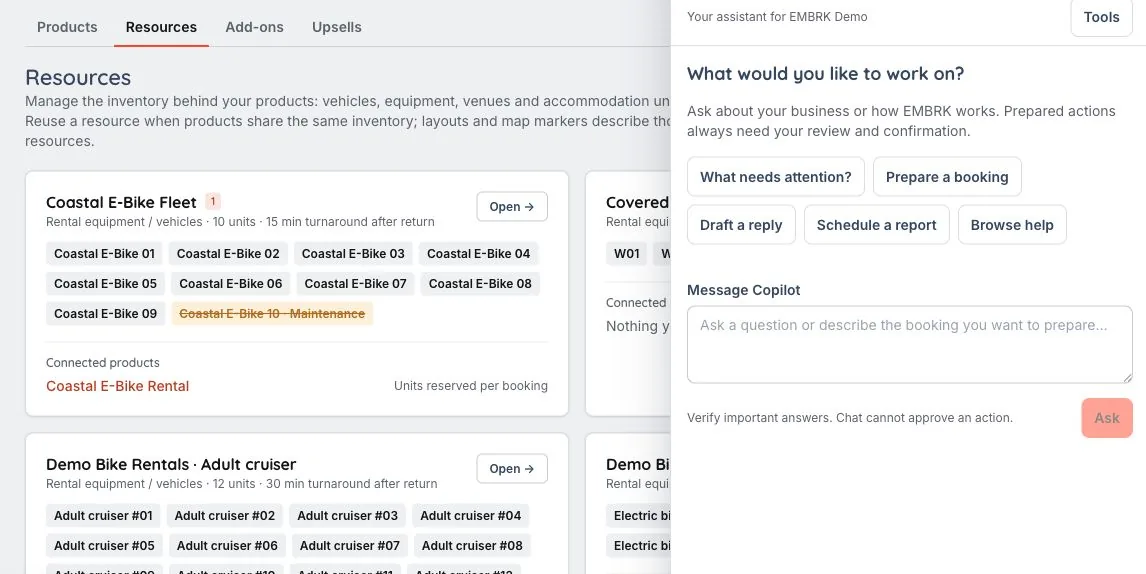
Copilot follows the staff member’s permissions. Guest-message and campaign sends through connected AI require enabled tools and human approval; preparing a draft does not send it.
The staff assistant lives beside the operation, with authorized record context and tools that respect the person using it.
Ask about the reservation or business information you can access. Review attention items without jumping between disconnected tools.
Use supported tools to prepare a standard tour booking or an internal reply draft. Staff remain responsible for reviewing the details and taking the next action.
Review and activate weekly reports to your own email. Optional Autopilot evaluates eligible messages and calls in shadow mode first; acting needs explicit activation and account access.
A staff member needs a reply draft or help understanding the reservation in front of them.
Copilot works with authorized business tools and reservation context, rather than giving every staff member unrestricted information.
Check the draft and prepared action before using it. Chat cannot approve an action, and enabled send tools require the relevant human approval.
No. Tools and record context follow the staff member’s authorized access.
No. Preparing an internal draft is separate from delivery. Connected AI sends require enabled tools and human approval.
Staff can review and activate supported weekly reports to their own email. The report setup and available information follow the person’s authorized access.
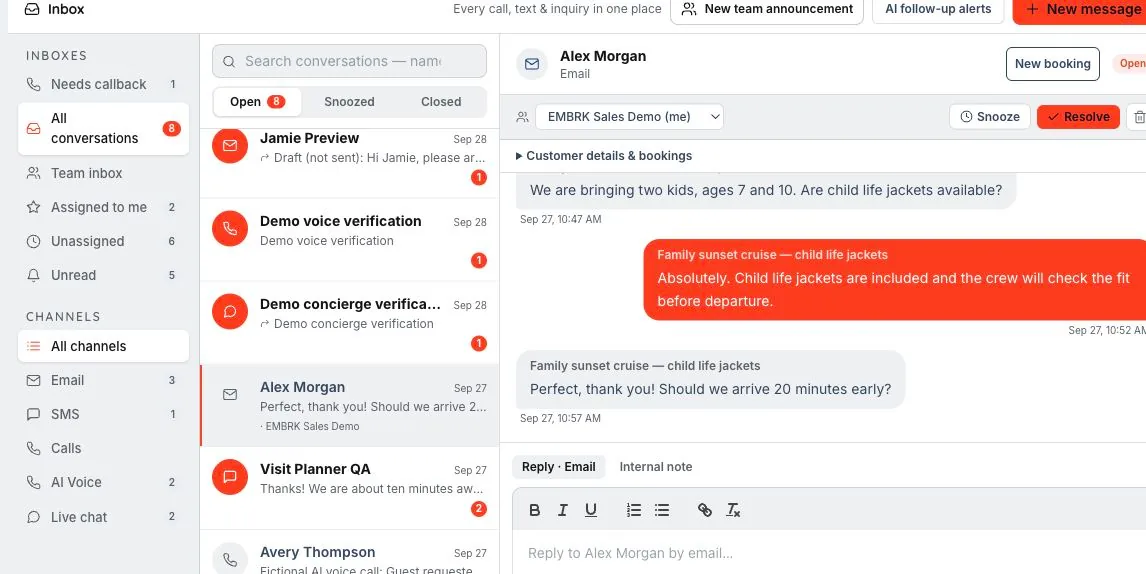
The right reply. With the right person behind it. An inbox is more useful when your team can see the booking, collaborate privately and get help preparing the next step.
Let’s walk through what EMBRK.AI could look like for your business.