
Start with the overview
Compare sales and headline figures with the previous period or the same period last year. Explore the products, channels and marketing activity behind the numbers.
Connect sales, marketing, inventory and staff activity in reports you can filter, compare and follow back to the bookings behind them.
See Reports & analytics in action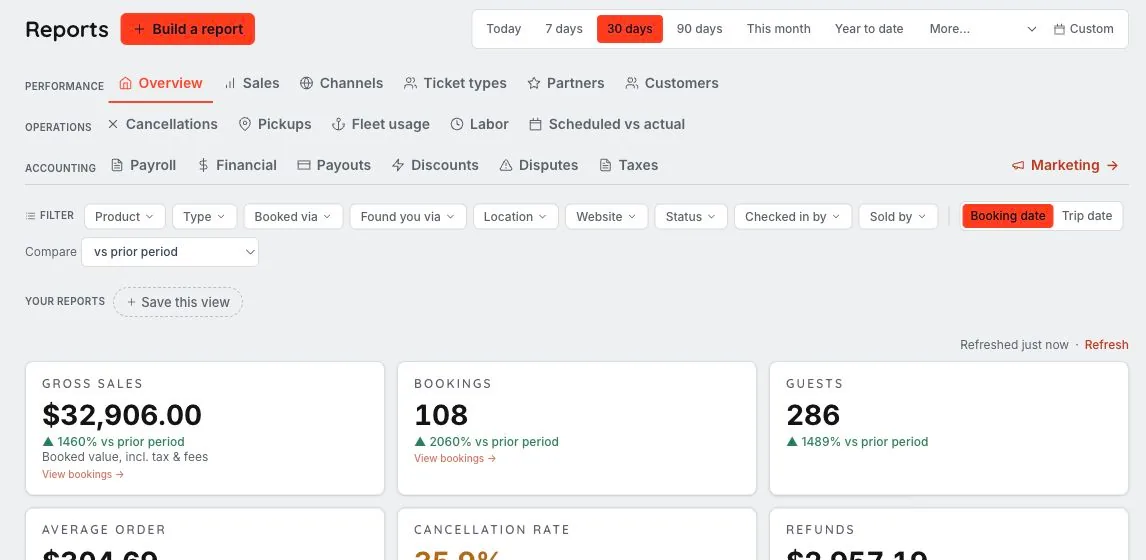
We’ll walk through the configuration, access and workflows that fit your business in your demo.
See the business at a glance, then investigate the product, website, channel or guest activity that explains the result.
Compare sales and headline figures with the previous period or the same period last year. Explore the products, channels and marketing activity behind the numbers.
Filter supported reports by product, location, website, source, staff and dates. Drill through to the matching bookings, save a useful view or build a custom report from available fields.
Export filtered CSVs and share eligible custom reports. Reviewed weekly self-email reports can give staff a repeatable view of the business.
A change in sales prompts the team to investigate which products or sources explain the result.
Choose the period, filters and supported comparison. Saved views and custom reports help you return to the questions your team asks often.
Use eligible booking drill-through and filtered exports. Keep the report’s filters and metric definitions in mind when comparing numbers.
No. Reports identify filters that do not apply to their dataset, so you can see what the result actually includes.
Yes. Supported report figures offer period comparison and drill-through to their underlying reservation records.
Supported filtered CSV exports follow the report’s selected view. Available columns and drill-through depend on the report and the user’s access.
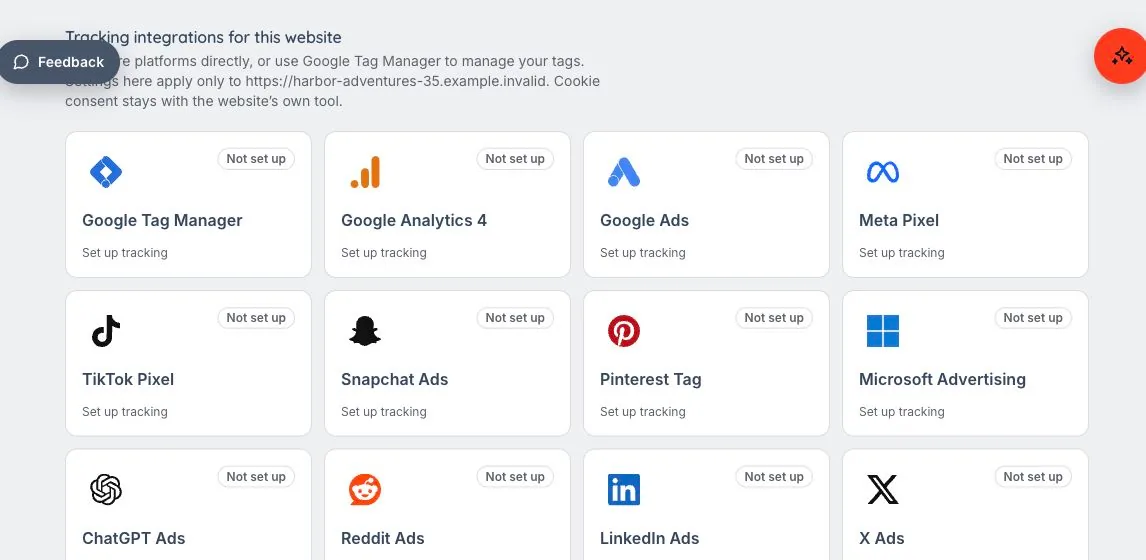
Know where the booking started. Learn what worked. Website visits and phone inquiries both matter. Keep measurement connected to the way your guests actually reach you.
Let’s walk through what EMBRK.AI could look like for your business.