Build the week
Create shifts with staff, positions and notes. Copy a previous week as a starting point, then adjust it for the operation you are actually running.
Bring staff schedules and clock-in records closer to the operation your team is already running.
See Team scheduling & time clocks in action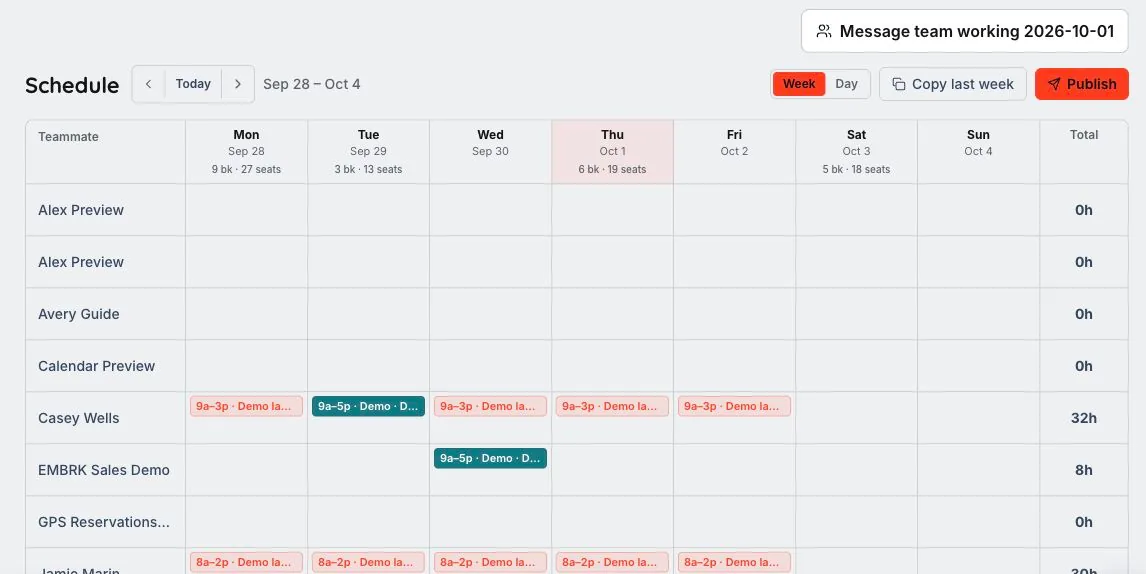
We’ll walk through the configuration, access and workflows that fit your business in your demo.
Bring staff scheduling and time entries into the same operational workspace the team uses for guests and bookings.
Create shifts with staff, positions and notes. Copy a previous week as a starting point, then adjust it for the operation you are actually running.
Move a prepared week into the published schedule so staff can work from the plan. Keep schedule administration with the users authorized to manage it.
Staff clock in and out from the platform header. Managers can review flagged entries and make corrections in the time-clock hub.
Prepare the staff week, then make the published plan and the hours worked easier to review.
Copy a previous week when useful, then adjust shifts, positions and notes for the coming operation.
Staff use their clock controls while managers review time entries and flagged records. Operational permissions govern who can make changes.
The tools cover scheduling and time-entry management. Payroll processing and your employment rules remain separate from those operational records.
No. Staff can use their personal clock controls, while management actions and entry review depend on the user’s permissions.
Authorized managers can review and correct entries in the time-clock hub. Scheduling and time records support operations; they do not replace payroll processing.
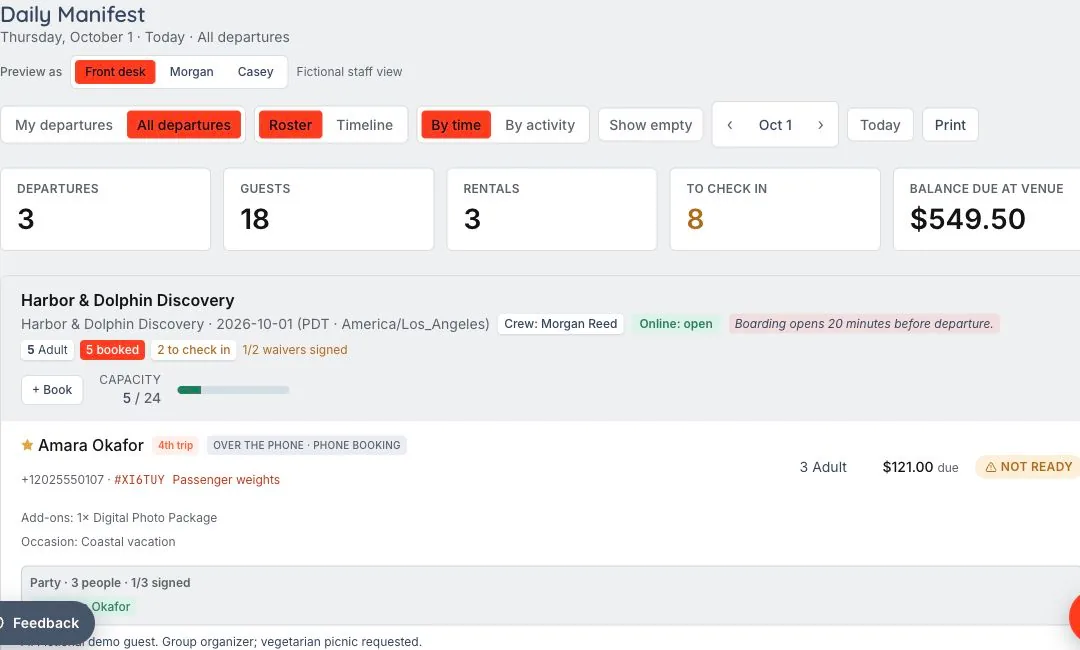
Booked is the beginning. Ready is the goal. The reservation becomes a shared plan for the desk, the guide and the guest, with requirements visible before the experience starts.
Let’s walk through what EMBRK.AI could look like for your business.