Start with a guest milestone
Choose from supported triggers such as booking confirmation, check-in, waiver completion, a captured lead or rental return. Define which moment should start the workflow.
Build repeatable guest journeys with triggers, timing and messages, then review and activate the workflows that fit your business.
See Marketing automations in action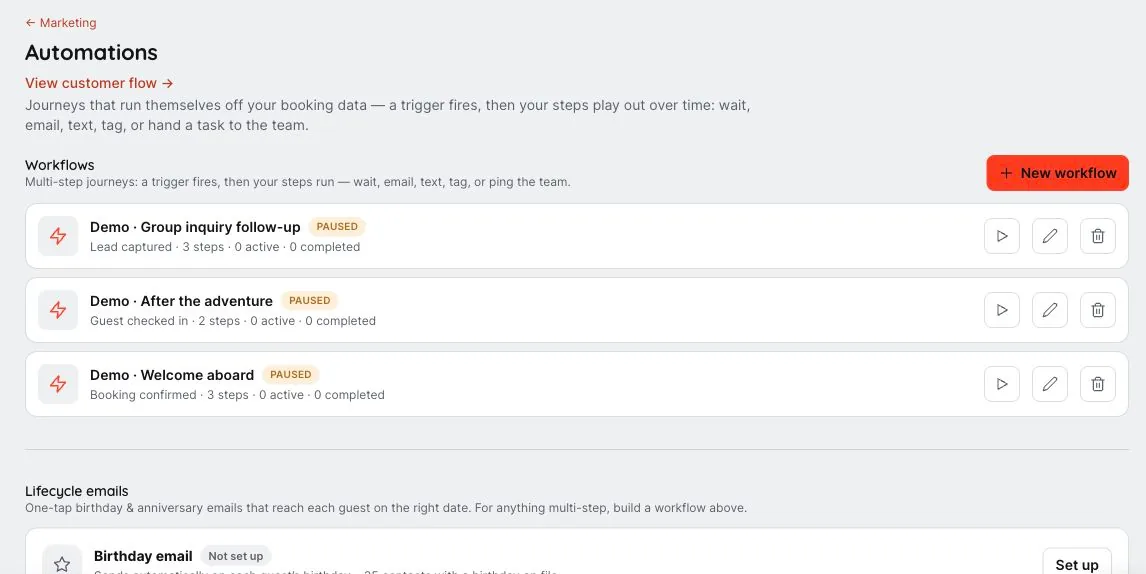
We’ll walk through the configuration, access and workflows that fit your business in your demo.
A booking, a completed waiver or a returned rental can be the beginning of the next useful message. Configure workflows around real guest milestones instead of keeping every follow-up on someone’s to-do list.
Choose from supported triggers such as booking confirmation, check-in, waiver completion, a captured lead or rental return. Define which moment should start the workflow.
Add waits, emails, texts, team notifications and contact tags. Use an audience condition when the next action should apply only to a particular segment.
Prepare the required messages and configuration before activation. Review workflow enrollments to see whether guests are waiting, completed or need attention, and pause a workflow when plans change.
Build a repeatable follow-up around booking confirmation, completed paperwork or a returned rental.
Choose a supported trigger and add waits or audience conditions so the message has a clear reason to run.
Inspect enrollment and execution history. Pause or adjust the workflow when its timing or purpose changes.
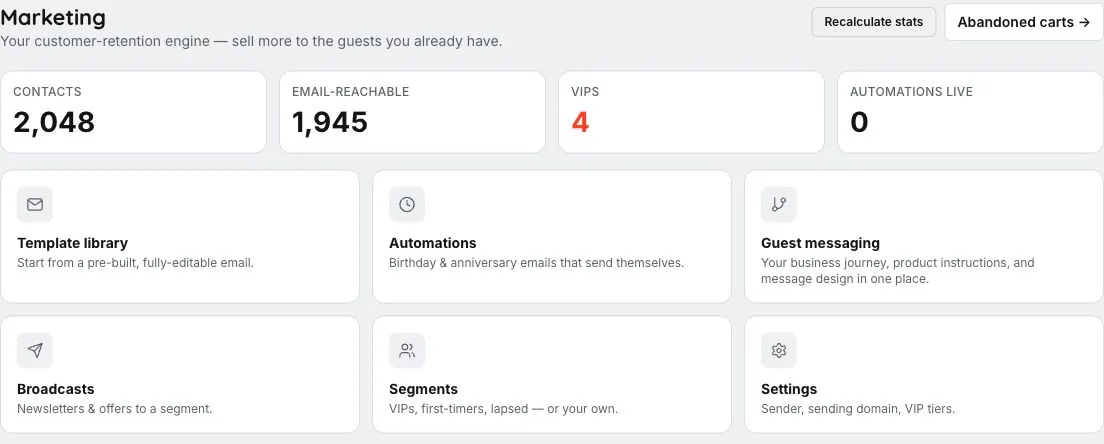
No. Workflows need a configured trigger, valid steps and activation. Sending also depends on the relevant channel setup and delivery eligibility.
Yes. Team notifications and contact-tag changes are supported steps alongside email and SMS.
Use the workflow’s pause and activation controls. Review current enrollments and execution history when changing the workflow; previously sent messages remain sent.
The outing ends. The relationship keeps going. A helpful follow-up, a photo worth keeping and a relevant invitation give guests more reasons to remember the experience.
Let’s walk through what EMBRK.AI could look like for your business.